![SPP-logo-landscape-with-mysite-inverted- PNG.png]](https://help.socialpinpoint.com/hs-fs/hubfs/SPP-logo-landscape-with-mysite-inverted-%20PNG.png?height=44&name=SPP-logo-landscape-with-mysite-inverted-%20PNG.png)
Map Layers - Marker
How to add a marker layer and use-cases for that layer type
Step-by-step guide
Marker layers are great for creating a point of interest or highlighting a specific point on your map. Marker layers can also be made interactive and can contain information, images, videos or surveys when clicked on.
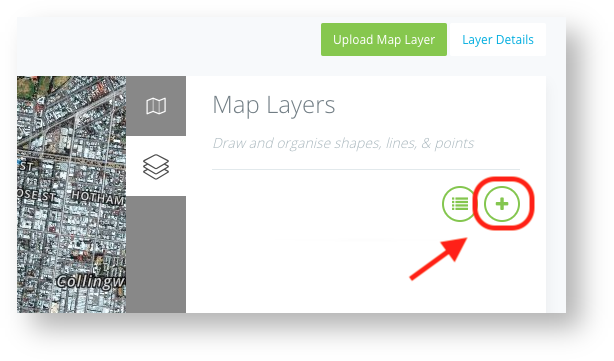
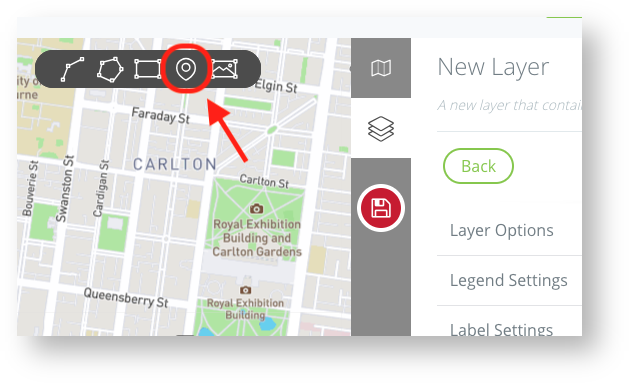
To draw a marker layer, select the plus + to create a new layer and select marker from the options at the top of the map.


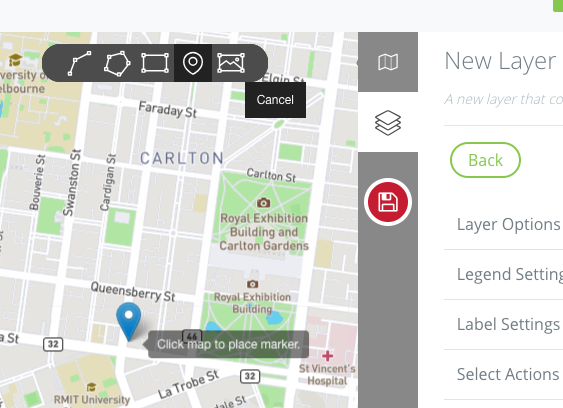
Select the area you would like to place the marker and click.

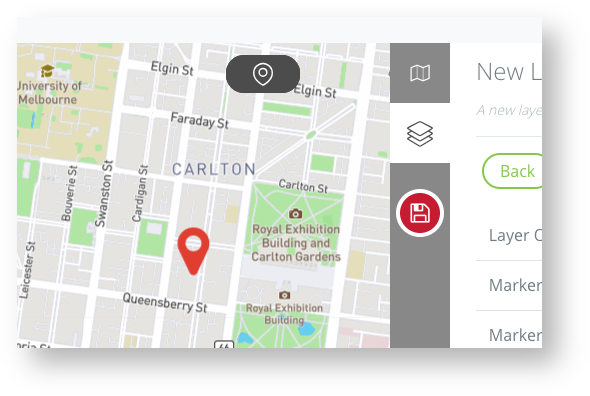
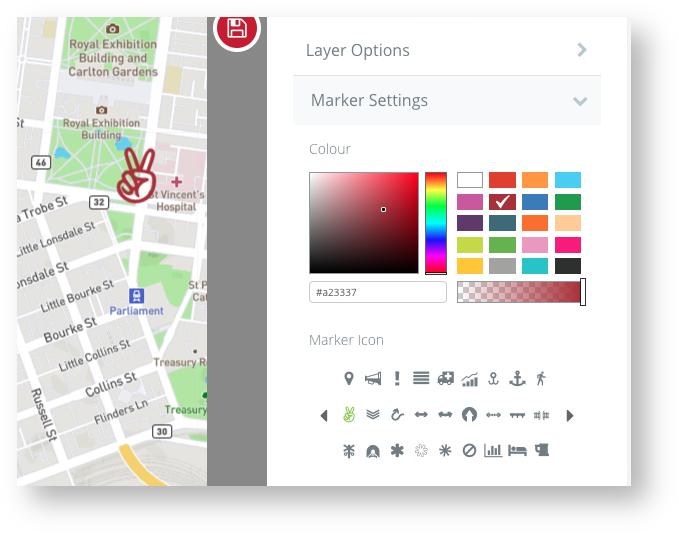
The marker shape is set by default however this can be changed using the Marker Settings on the right

There is a library of over 400 markers to choose from which can be styled however you like including adding clickable actions
